BLOG · 29 September 2026
Realism and Continuity in AI Video: Keeping Characters, Products and Light Consistent
Why characters, products and light drift between shots in AI video, and how professional AI video production keeps every scene consistent.
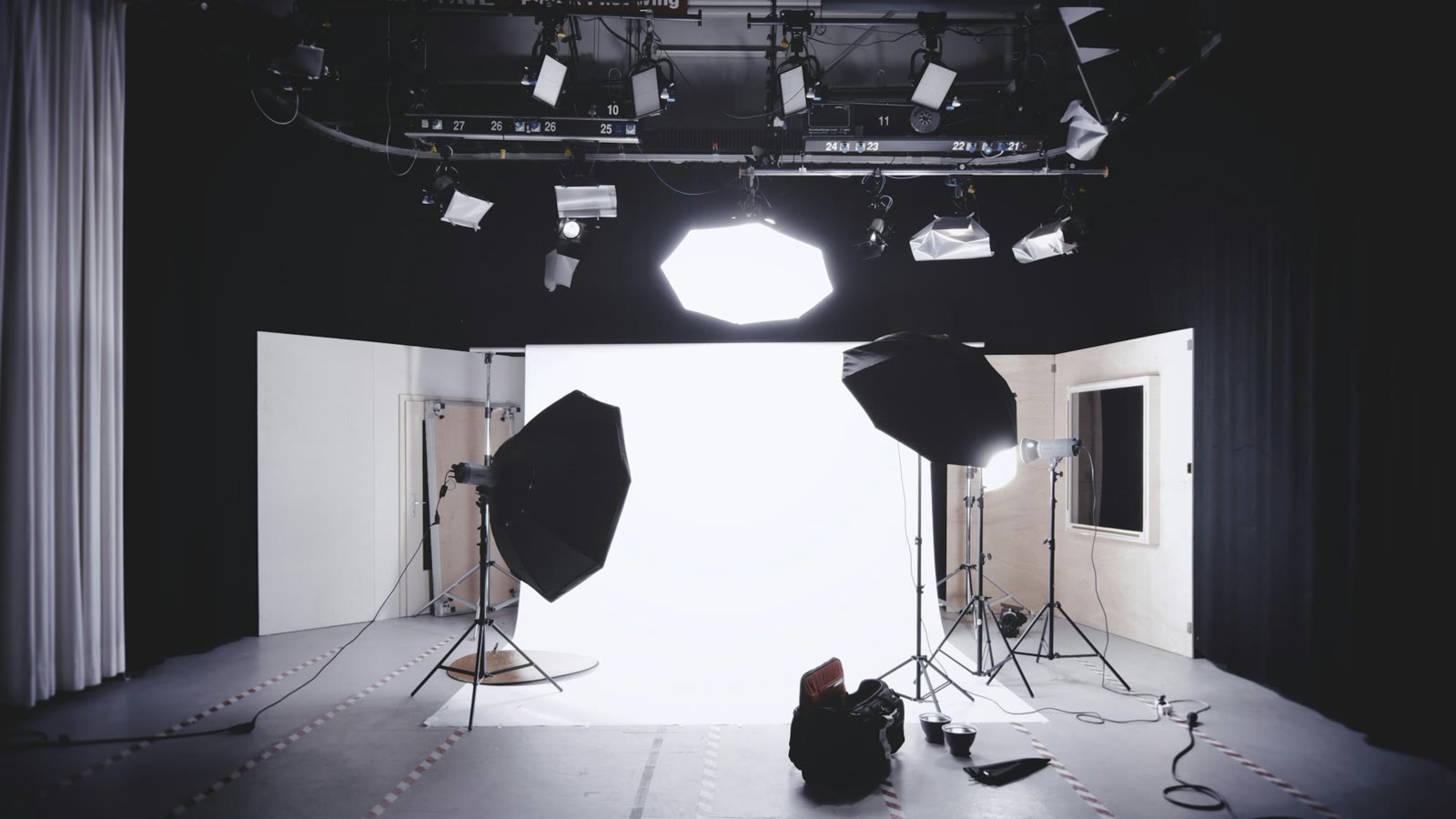
Anyone who makes video with AI knows this. The first shot comes out great and you get excited. As the shots go on, you start to see mistakes, and the excitement turns into frustration. Few would argue if we said keeping continuity is one of the hardest parts of this work.
For a single clip that will float around on social media, this may not matter much. In a brand film it does. If the product changes shape from shot to shot or the actor's face drifts, viewers notice right away. On a traditional set, the script supervisor, costume photos and the lighting plan take care of this. AI production needs the same kind of control. This post looks at why continuity slips in AI video and what can be done to keep it under control.
Why it changes from shot to shot
A video model doesn't remember your character the way a camera remembers an actor. Every generation reinterprets the prompt and the reference images you give it. Write "a woman in her forties in a grey coat" and there are thousands of women who fit, and the model picks a slightly different one each time.
Words are open to interpretation too. "Warm", "modern" or "stylish" mean something different to everyone, and the model fills the gaps with its own average. Every new camera angle adds risk as well: the model has to draw the character or the product from a side it has never seen, and that is where it starts guessing.
References first: character, product, location
Before generating a single moving shot, you need to decide how everything will look, and decide it with photo and video references.
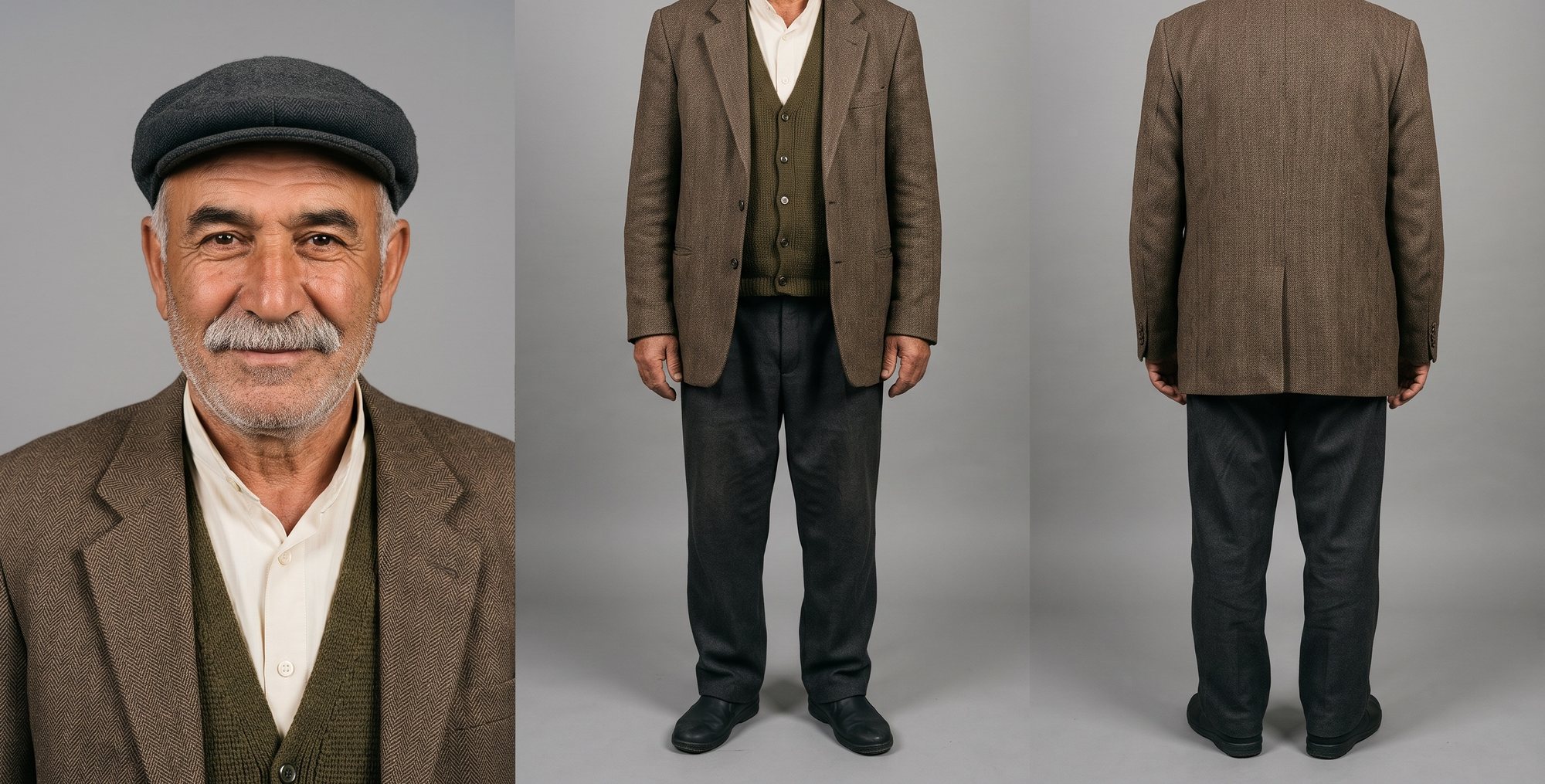
For a character, a character sheet is prepared: the same person, in the costume from the scene, standing as if posing from the front, the side and the back. One detail matters a lot here: generate all the angles together in a single image. When angles are generated one by one, each comes out slightly different, and those differences grow in later shots. If the story moves from day to night, a separate sheet for the night light helps too. Generating full-length shots without the face and using a grey background also improves consistency. The latest trend is to produce these character sheets as video; you can find plenty of examples where this improves the actors' performances.
The same goes for products, only stricter. The brand team will see the smallest change in a logo's position or a bottle's shape. Working from high-resolution photos or a 3D file of the real product is the safest way.
The thing most often skipped is the location. If a scene takes place in one kitchen, every shot should be generated from the same location reference. Otherwise the window is on the right in one shot and on the left in the next, and the counter changes color. Viewers may not be able to say what is wrong, but they feel that something doesn't add up.
The first frame and the movement
Most video models start from an opening image, and how you choose that image has a big effect on the result.
A good first frame is the moment just before the action, not the middle of it. If the character is going to pick up a cup, in the first frame their hand rests next to the cup, and the movement itself goes into the prompt. If the first frame catches someone mid-movement, the model has to guess what came before and after, and that is usually where hands and objects break.
Keeping the movement small helps too. A slow push-in, a slight turn of the head, steam rising from a cup, a curtain moving in the wind all hold up well. Fast movements with several steps are where faces start to warp and hands multiply. Models like Seedance respond better to clear instructions with timing, such as "in the first two seconds she turns her head to the window", than to something vague like "make it dramatic". Splitting a complex movement into a few short shots and joining them in the edit usually works better. That's how it is done on a traditional shoot anyway.
Light
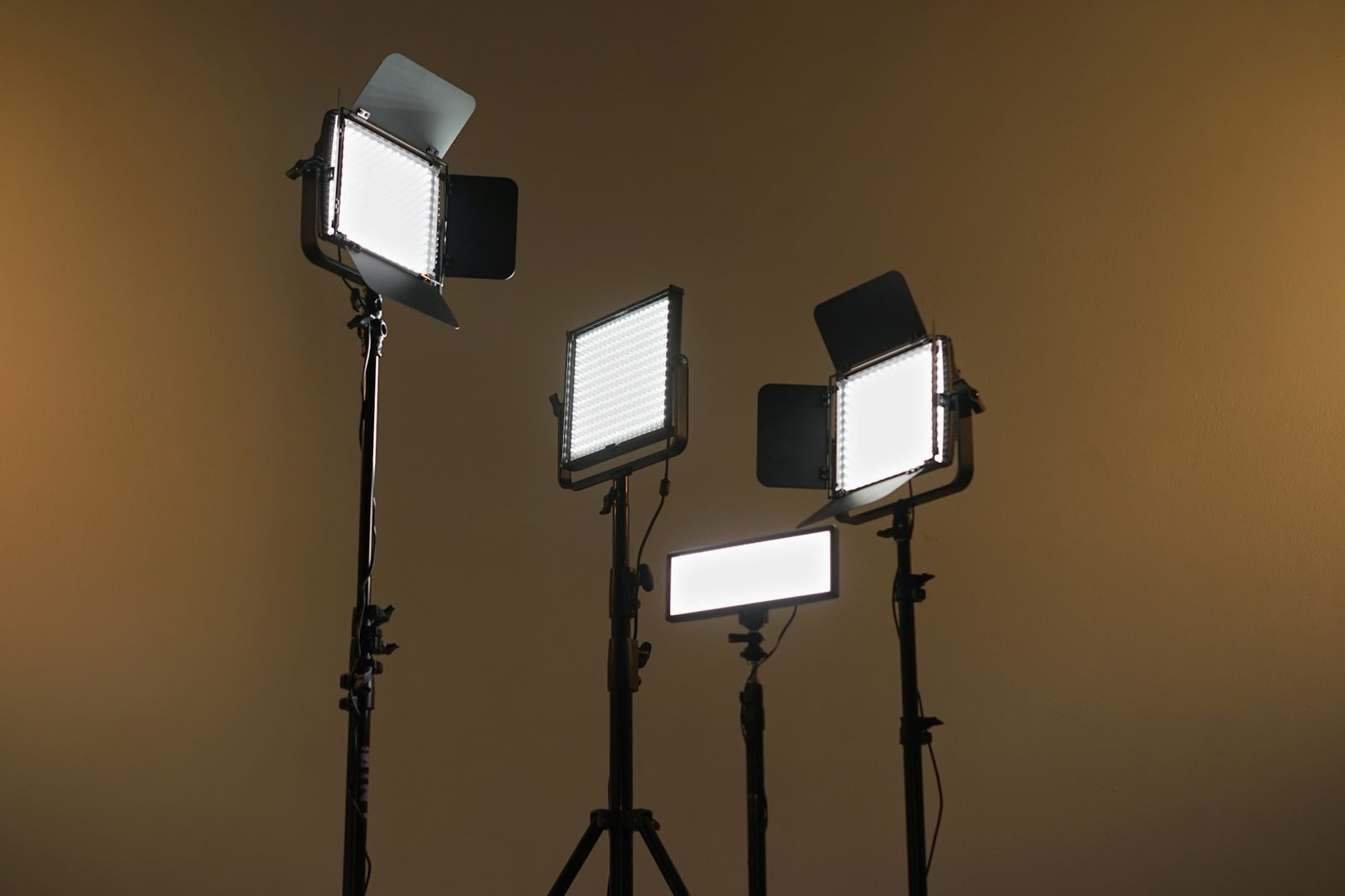
Most of that plastic look that gives AI video away comes from the light. Skin that is too smooth, highlights with no clear source, everything lit evenly. On a real shoot, light comes from somewhere, part of the frame stays in shadow, and texture shows.
When writing the prompt, instead of words like "cinematic, high detail", it helps to write where the light comes from, the time of day, the lens, and small imperfections: a worn edge, uneven skin, dust floating in a beam of sunlight. Describing the scene the way you would describe a documentary photograph pulls the model away from that glossy advertising look.
Light is also a continuity issue. If the light comes from the left in the wide shot, it should come from the left in the close-up. A scene that starts in afternoon sun shouldn't turn into a cloudy morning two shots later. Keeping a short lighting note for each scene and checking new shots against it catches these mistakes early.
The order of approvals
To keep AI video production from getting expensive, you need to pay attention to the order of production. Generating high-resolution final shots before the basic decisions are settled can waste credits. The order should be: references first, then first frames, then low-resolution motion tests without music or sound, and only then upscaling and finishing. Each stage should be approved separately. Fixing a character sheet takes minutes, while fixing twenty shots built on the wrong sheet can take days.
Every new output should be put side by side with the approved reference and checked before it goes to the client. Models produce very convincing images even when they get things wrong, and this check can cut down the back-and-forth with the client a lot.
All this may sound slow, but in practice we think it's the fastest way. Just like on a set, a continuity mistake costs the most time when it is noticed late. Caught early, it is usually a few minutes' fix!
Photos: Alexander Dummer / Unsplash · Sceneva Labs · Aditya Wardhana / Unsplash
BLOG
See all →
14 October 2026
Vibe Coding for Production Teams: Building Your Own Tools with AI
What vibe coding does for small teams and where it needs care. At Sceneva Labs, we build apps that make our own work easier.
10 September 2026
How an AI Commercial Comes Together: The Process from the Brand's Side
From brief and references to character consistency, rough-cut approval and delivery: what a brand should expect at each stage of an AI commercial.