 qRaf
Open-source hard drive tracking: what is on each drive, and how it is doing
qRaf is an open-source app we built for production companies and content creators to keep track of their external hard drives. It is free on GitHub, and anyone can set it up for their own team. Type the project or folder you are looking for and see which drive it is on. Every time a drive is plugged in, its read and write speed is measured, so you can also see how healthy it is.
Desktop app for macOS and Windows, mobile app for Android.
Every drive on the shelf, in one list
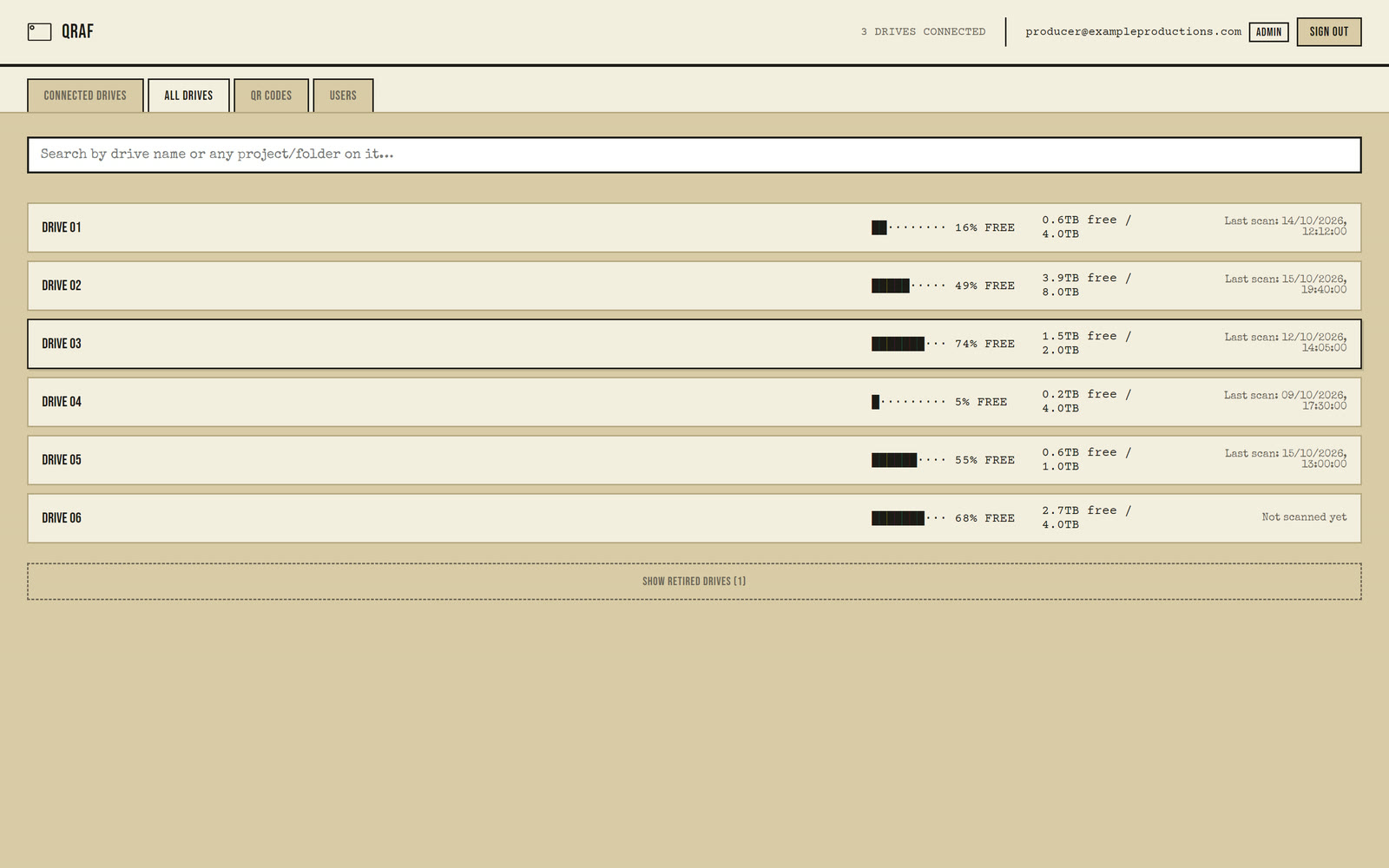
It makes it easier to keep track of footage stored on archive drives, where it is easy to lose sight of which project is on which drive. qRaf keeps that list for you.
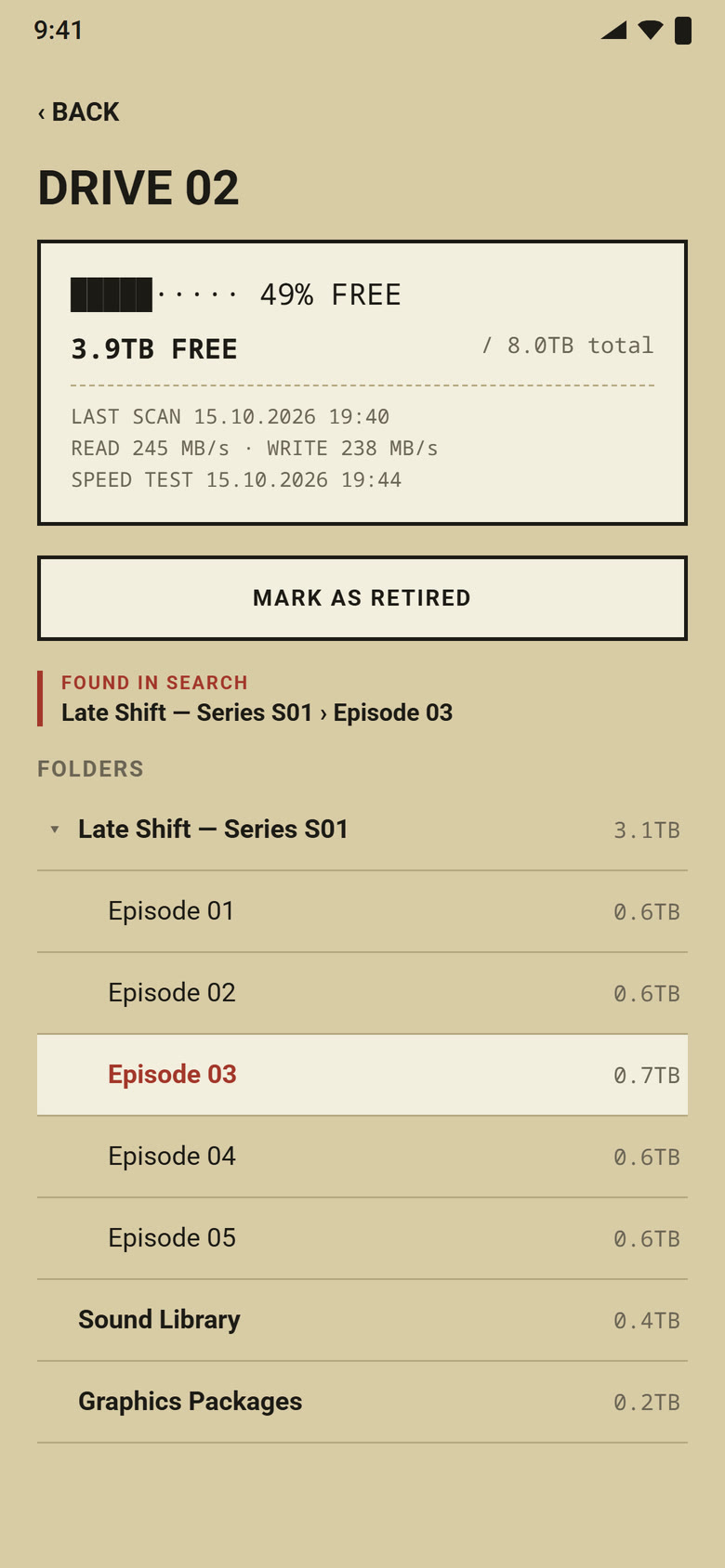
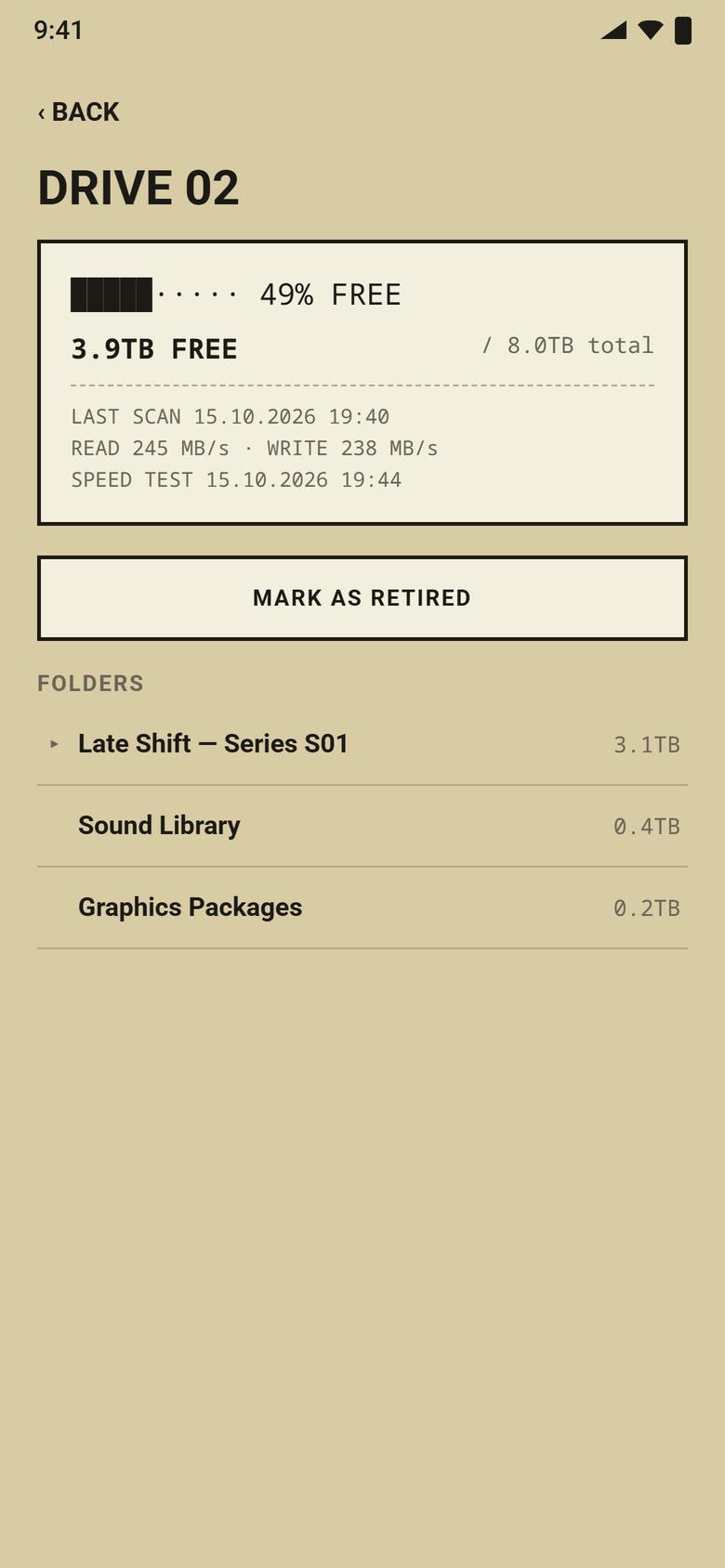
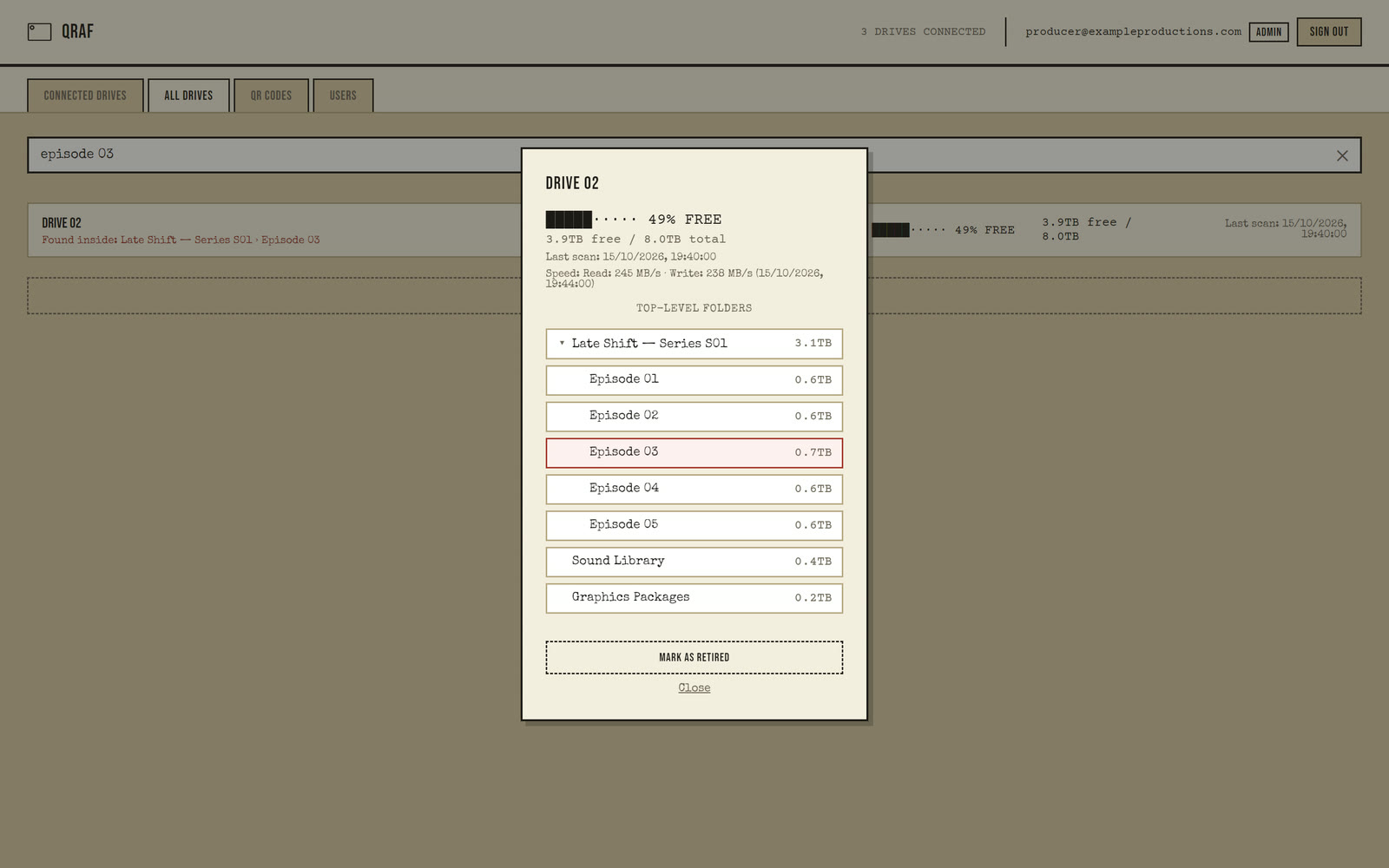
Search is the fastest way in. You can see what is on a drive from the shelf without plugging it into a computer: its folders, sizes and free space open up. Looking for an empty drive? qRaf shows you which one has room, without plugging them in one by one.
qRaf never reads, copies or uploads the files on a drive; it records folder names, sizes, free space and speed.
What it does
Search by drive number or folder name
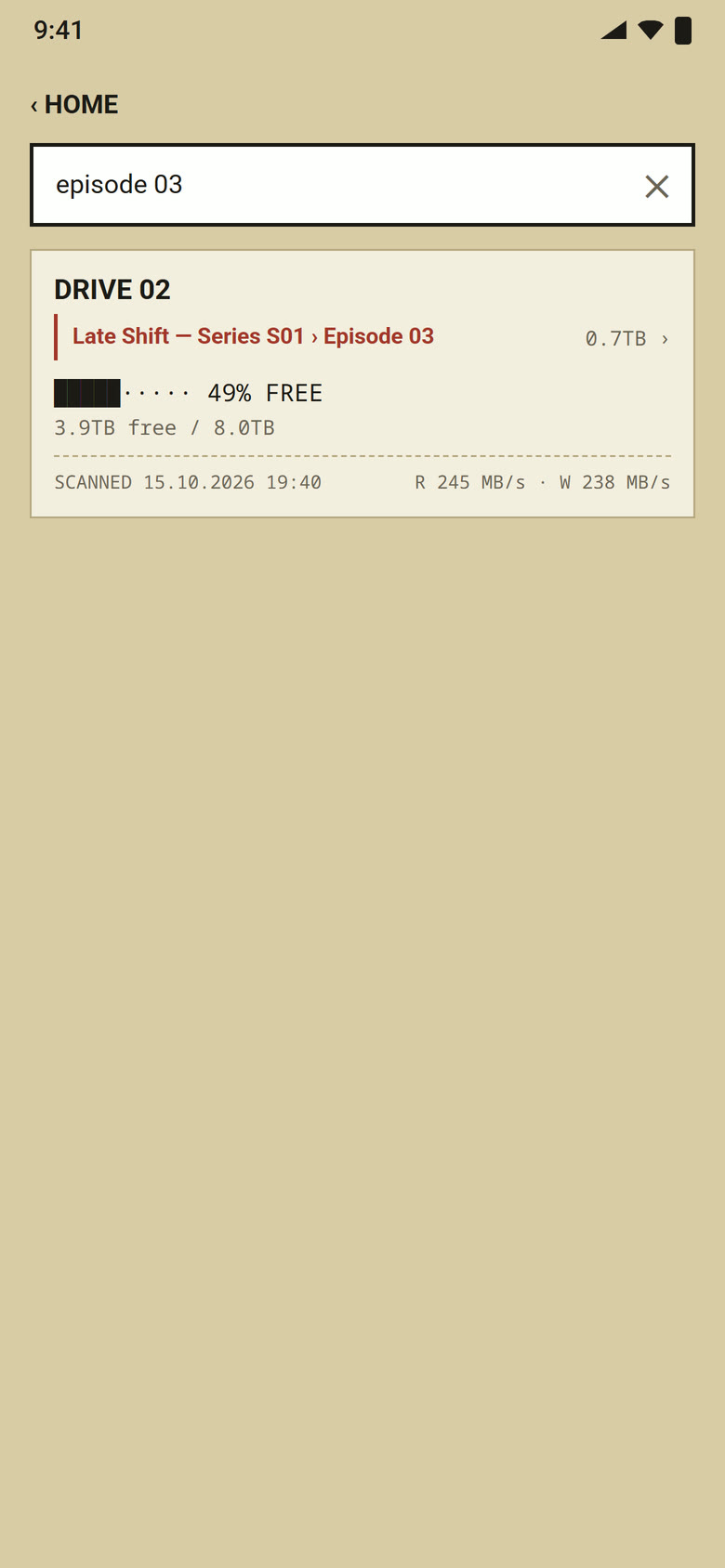
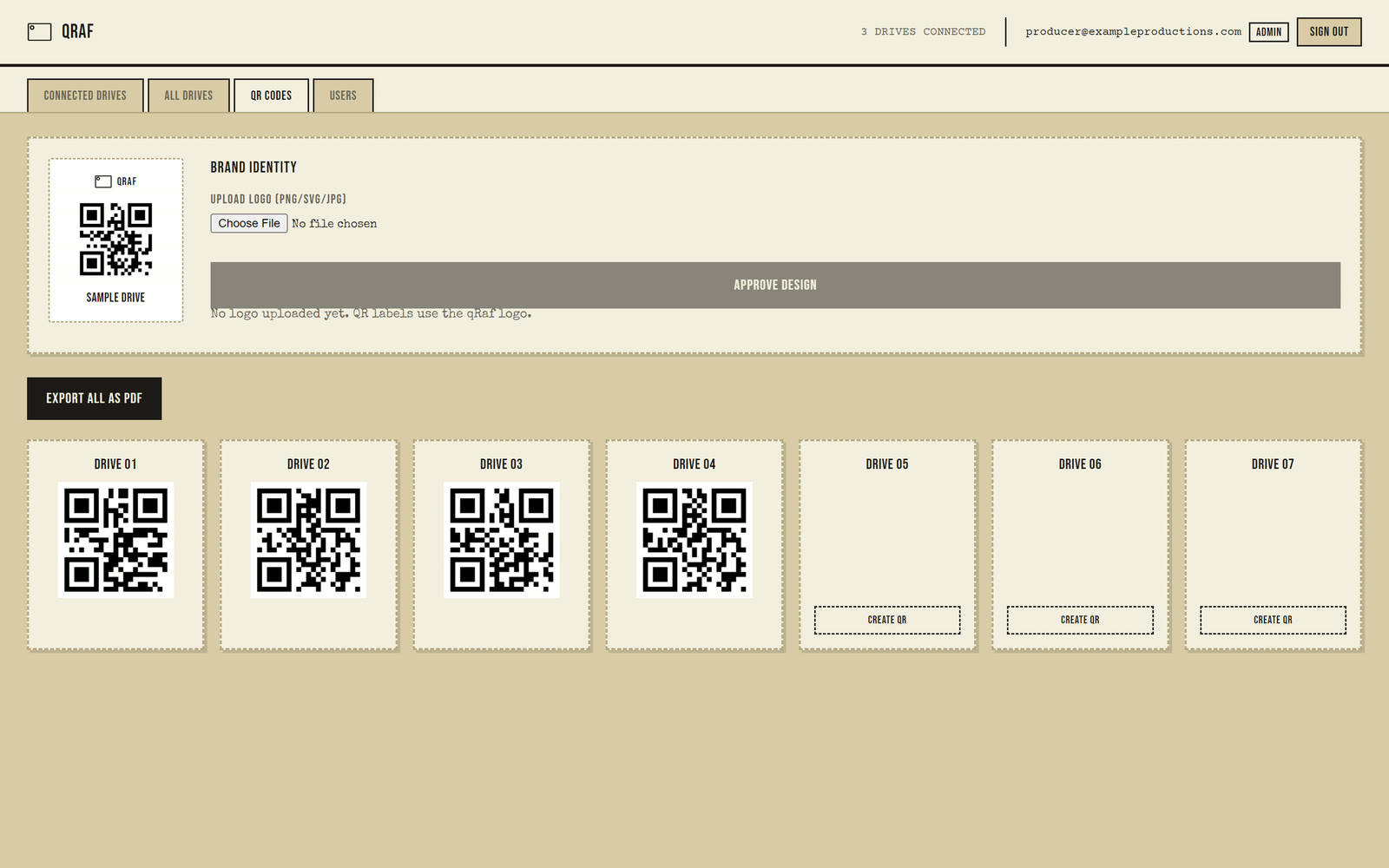
Type "Drive 02" or "Episode 03" and the drive opens on that folder, even deep in subfolders. You can also create QR labels with your own brand on them from inside the app.
Read and write speed
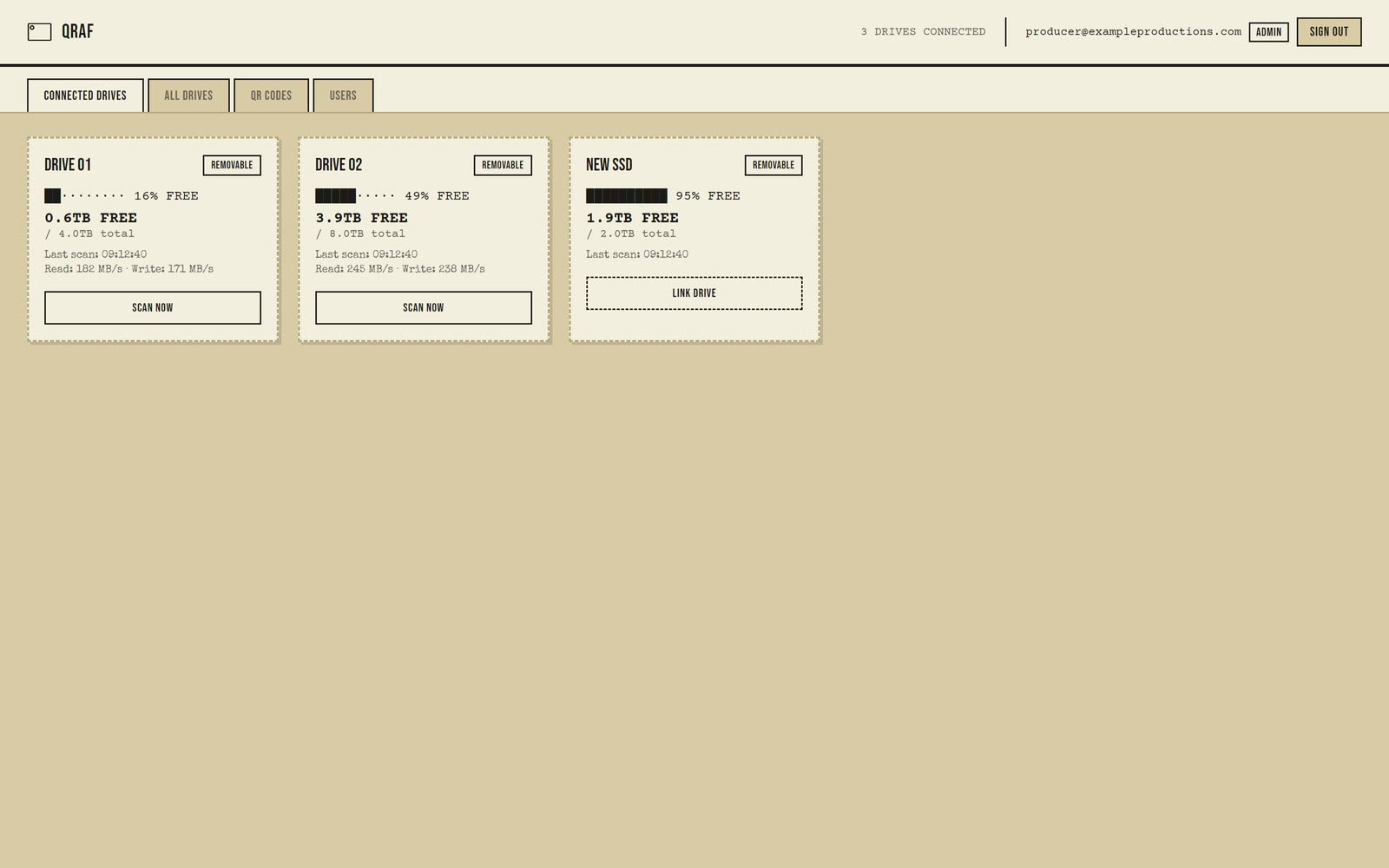
Every time a drive is plugged into the desktop app, its speed is measured and shown with the date of the test. A drive that is slowing down is the first sign that its health is failing.
A list that updates itself
A drive is detected and scanned when it is plugged in: folders, sizes, free space.
QR labels
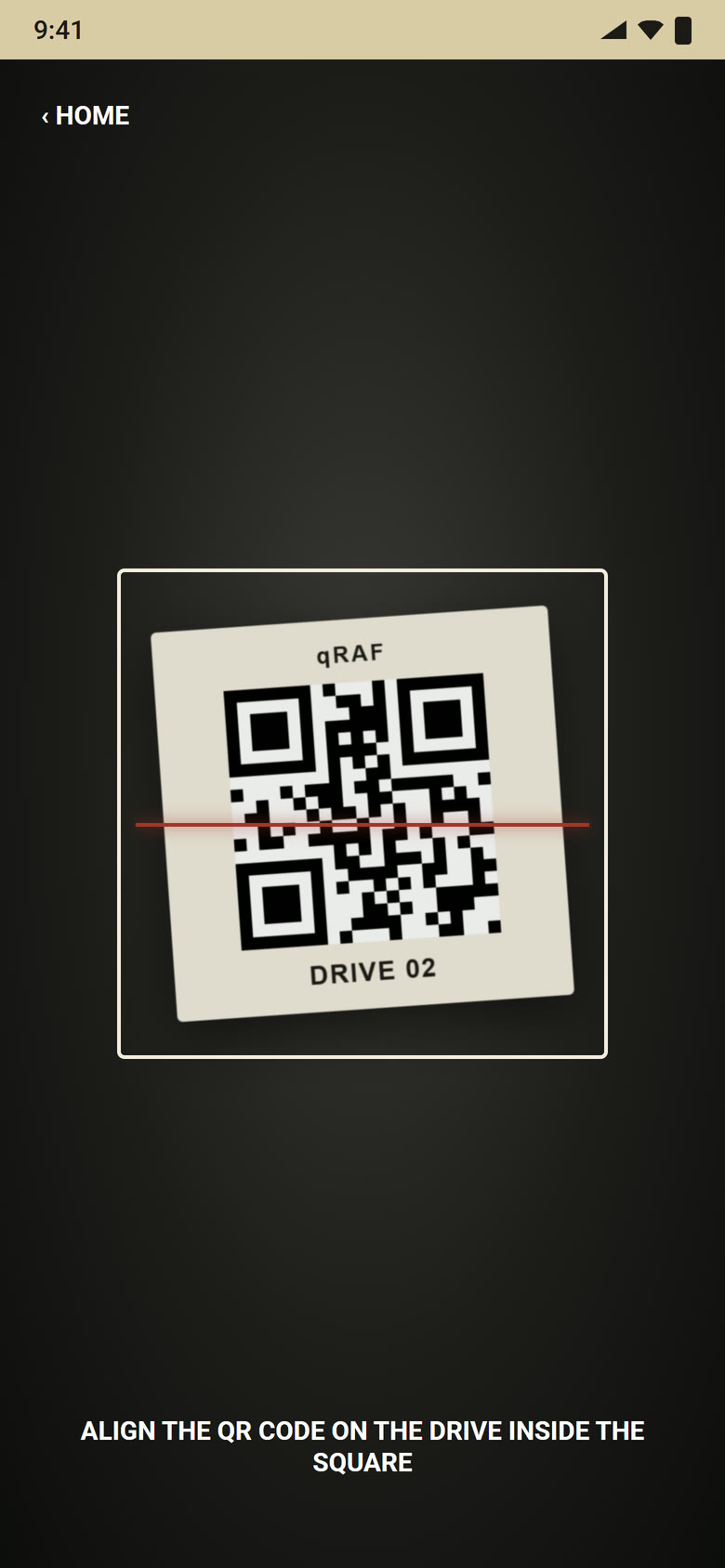
Every drive gets its own label, all exported to one PDF for printing. Scan a label with the Android app to see what is on the drive.
Roles
Admins add, rename and retire drives and invite the team; users can only view. Accounts are by invitation only, and sign-in is a 6-digit code sent by e-mail.
Open source
The code is free on GitHub; anyone can set it up for their own team.
On your phone and your desktop
Open source and free
The code is on GitHub. Anyone can download it and set it up for their own team.